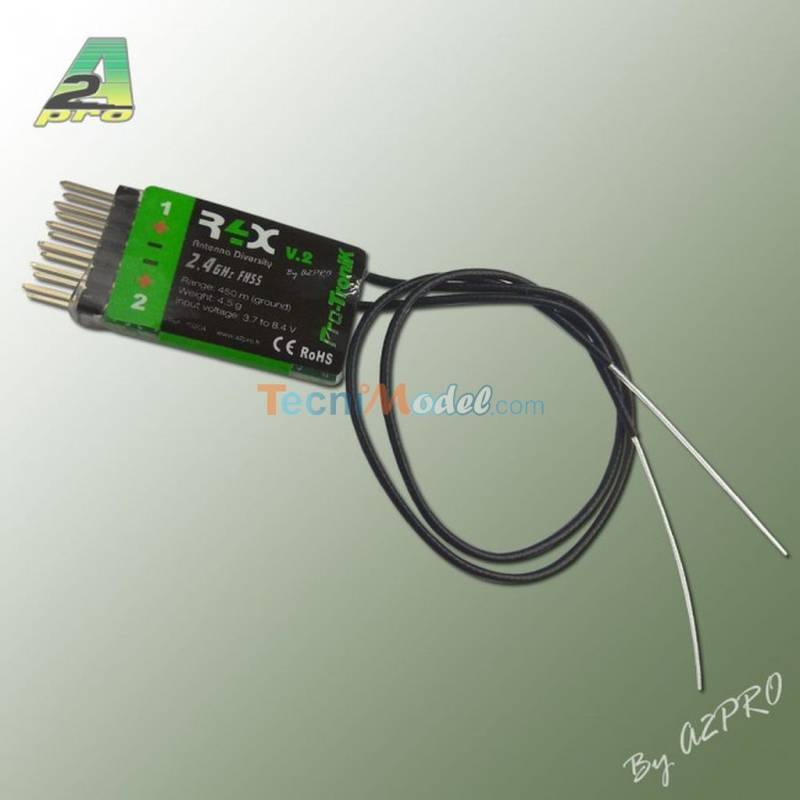
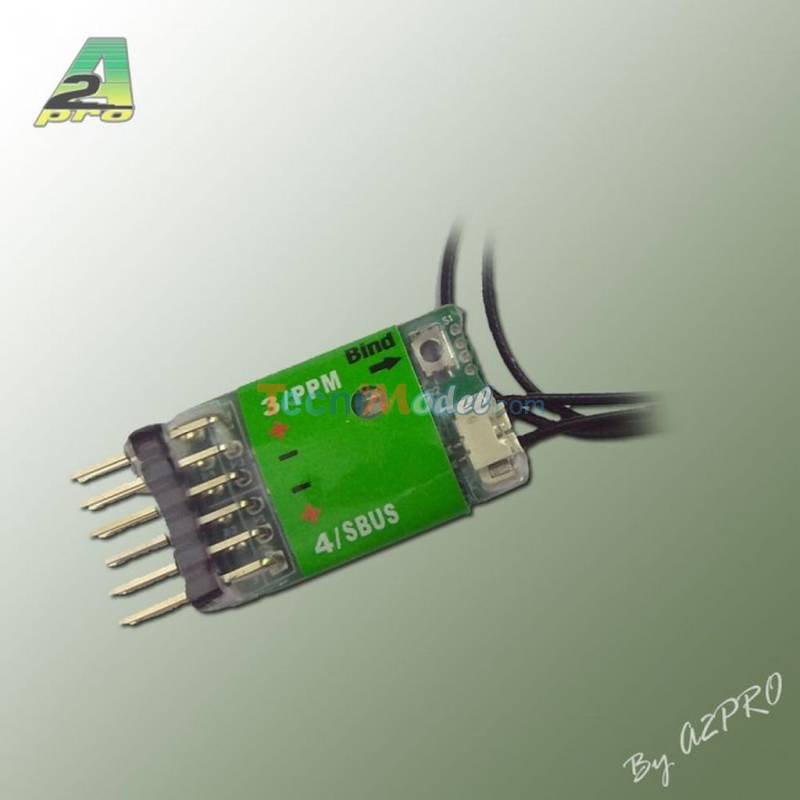
- 4-channel receiver - Dimensions : 24x15x5.5mm - Weight: 2.2g - 2.4GHz FHSS not compatible with other brands. Extremely reliable and secure. - Built-in "bind" button, no jumper needed to pair receiver and transmitter. - Supply voltage 3.7~8.4V - Range: 450m (ground) - Special range test function avoids having to walk miles away from the transmitter. - Very low power consumption. - Built-in fail-safe.
Pairing procedure with the transmitter
The pairing procedure with the transmitter is very simple, as follows:
Switch to transmitter pairing mode:
- position the throttle stick at idle and switch on the transmitter - press the ENTER key for 3 seconds to enter the FUNCTIONS menu - press the ENTER key 5 times to select the "BIND" function - press the UP key (or the DOWN key) - the display shows a dotted line scrolling from left to right, indicating that the transmitter is now in "pairing" mode. It transmits its identification information to the receiver. The transmitter will only exit this mode when it is switched off.
To switch to receiver pairing mode :
Pairing is essential when using your R4X for the first time. Proceed as follows (or refer to the receiver manual): - Switch on the transmitter, then power up the R4X. The red LED on the R4X will flash slowly (transmitter not recognised). - Set the transmitter to ‘BIND’ mode as indicated in the device manual. - Press the receiver's push button for 1 to 2 seconds. The red LED will now flash more quickly to indicate that pairing has been successful. - Release the push button, then switch off the transmitter and receiver to complete the procedure. - Switch the transmitter and receiver back on. In normal reception mode, the red LED will remain lit.
Your transmitter and receiver are now paired, and will be able to establish a secure link when they are next switched on. The procedure should be completed as follows: - disconnect the receiver's battery - switch off the transmitter - switch the transmitter on again, then the receiver, and check that operation is nominal